How to spot a fake token or a copycat on Robinhood Chain
3 min read
TrnchLabs
How to tell the real token from a copy on Robinhood Chain: the contract address, verified tokens, official Stock Tokens and USDG, and how trnch scan flags copycats.
How to spot a fake token on Robinhood Chain? Compare the contract address with the one the project publishes, then check that trnch shows it as verified or as the original contract. Anyone can deploy a token with the same name and ticker, so the address is the only proof.
When a token trends, copies follow within minutes: same ticker, same logo, sometimes the same website text. They live at another address, in thin pools, and wait for buyers who search by name. The checks below take a minute.
How copycat tokens work
A token's name and ticker are free text in its contract. A copy reuses them, adds a little liquidity to a pool, and waits for buyers who find it by search or from a reply that posts the wrong address under a popular post. Copies also target stablecoins and Stock Tokens, where buyers expect a fixed value.
- Take the address from the project's own site or official account, never from a reply or a direct message.
- Compare the full address, not only the first and last characters: copies are made to look alike at both ends.
- Look for the blue check: tokens verified by their creator on trnch and official assets carry it.
- For Stock Tokens and USDG, use the official contract listed by the issuer. A copy of a stable token does not trade at a dollar.
- Check the age and the pools: a copy is usually minutes old, with one small pool.
What trnch shows
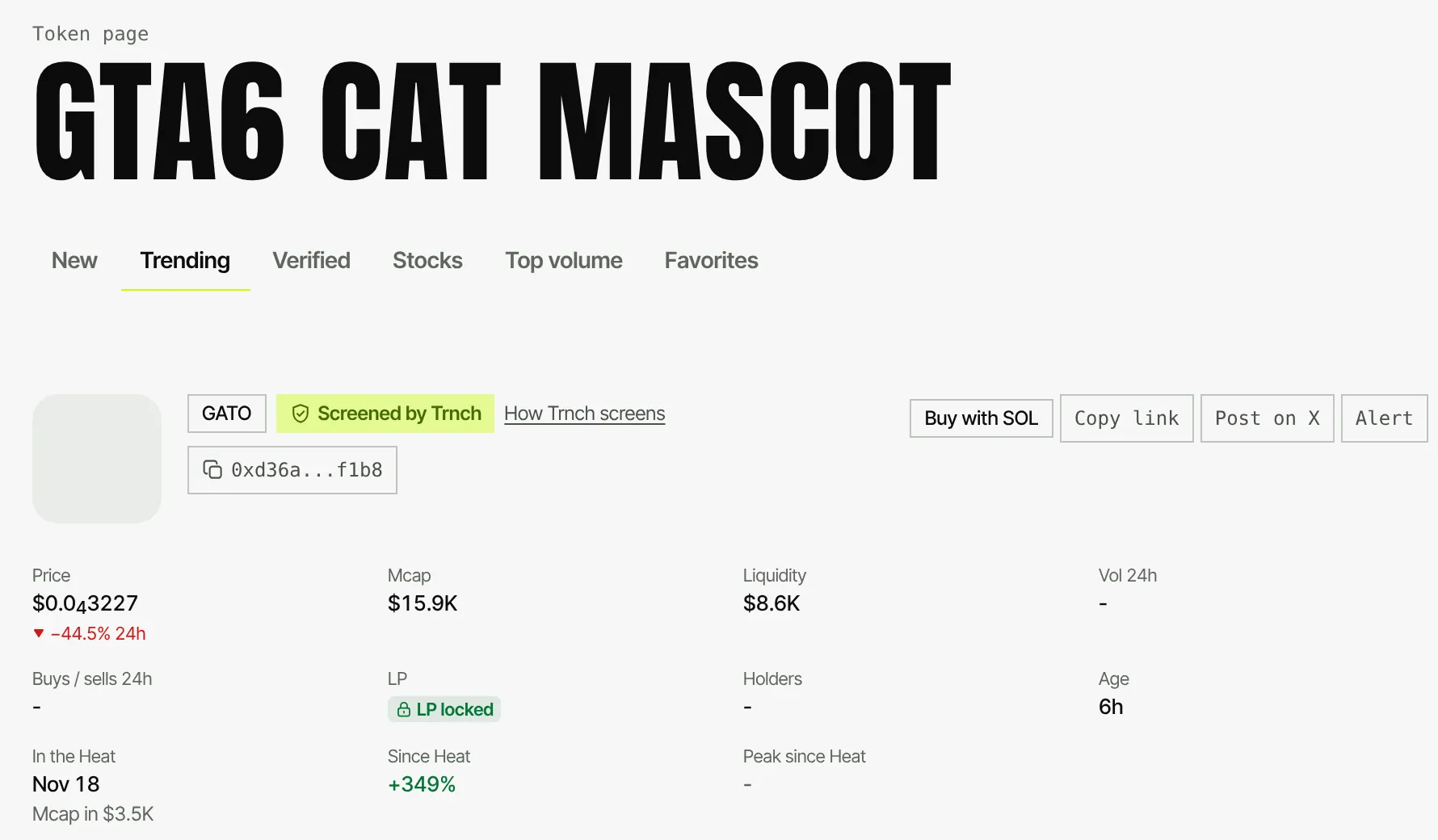
Every token page on trnch and the free check say where a token comes from: the original contract, an official Stock Token, a chain asset, or a copy of another token's name or ticker. trnch scan files copies under the public category COPYCAT and keeps them out of the Heat. Flagging a copy never takes the original out.
Creators verify their token for free at Verify: a verified token gets the blue check on Trade, in the Markets strip and on its page. Verified means the original contract; it does not vouch for the project.
1. Get the address from the source
Copy it from the project's own site or account.
2. Paste it in trnch Tools
trnch.fun/tools reads the token and shows its origin and the trnch scan status.
3. Look for the blue check
Verified tokens and official assets carry it. A copy never does.
4. Read the category
COPYCAT means the token borrows the name or ticker of another token.
Check the origin from a bot
Bots that relay contract addresses from X or Telegram can check each one first, free and keyless. The answer carries a verified flag and the origin, so a bot can label a copy before it posts it. The X bot guide shows the full loop.
curl "https://trnch.fun/api/bot/v1/check?token=0xYOUR_TOKEN"FAQ
How do I know a Robinhood Chain token is the real one?
Compare its contract address with the one the project publishes, and look for the blue check on trnch. The ticker alone proves nothing.
What does COPYCAT mean on trnch?
It is the public trnch scan category for a token that copies the name or ticker of another token. Copies are kept out of the Heat.
Does the blue check mean a token is a good buy?
No. It means the contract is the original one, verified by its creator, or an official asset. It is not advice.
Where do I find the official USDG address?
On the issuer's official pages and in the trnch USDG guide.